
Table of Contents
Welcome to the neighborhood. The builder handed you the keys, but they didn’t take the second to-do list with them. Getting settled in a new home means dealing with the practical realities of moving, organizing, and discovering all the small things the builder left for you to figure out.
Here is a practical, no-nonsense checklist to help you tackle the first days and weeks in your new Parrish home.
Handle your absolute essentials first: locate your main water shutoff, test your smoke alarms, and secure the home. Save the major aesthetic upgrades until you’ve lived in the house long enough to know what actually bothers you every day.
Key Takeaways
- Handle safety, access, utilities, and warranties first. Locate shutoffs, test alarms, secure the home, document concerns, and record appliance models before decorative work.
- Create a first-week baseline. Confirm appliances drain, heat, and cool; record filters; inspect accessible dryer airflow; and test faucets.
- Measure technology where it will be used. Walk-test Wi-Fi in bedrooms, the garage, lanai, office, and planned camera locations before buying extenders.
- Delay discretionary upgrades. Live in the home long enough to learn which storage, lighting, and finish changes will provide lasting value.
| Timeline | Primary Focus | Key Tasks |
|---|---|---|
| Day 1 | Safety & Essentials | Locate water/power shutoffs, change locks, establish basic internet. |
| Week 1 | Appliance & Fixture Baselines | Clean appliance filters, check dryer vents, test faucets/aerators. |
| Month 1 | Storage & Technology | Evaluate wire shelving, map Wi-Fi dead zones, plan camera placement. |
| Later On | Major Upgrades | Evaluate long-term needs before spending money on large renovations. |
Before Moving Day: Setting Up Utilities
Verify which utility provider serves your address before moving day. For homes served by Manatee County Utilities, residential account setup is available online or through Utilities Customer Service. Depending on the property and account type, the county may handle water, sewer and solid-waste service together or through a garbage-only account.
Record Warranties Now
Before you move a single box in, document everything. Record the builder warranty information, take photos of any existing issues to submit before deadlines expire, and log the model and serial number stickers on every major appliance. You will need these for warranty claims or future repairs.
Moving Day Priorities
Before the boxes take over the living room, handle the immediate safety and infrastructure checks.
Locate Your Shutoffs
Find your main water shutoff valve and your main electrical breaker panel without removing its cover. If a plumbing fitting fails under the sink while you are unpacking, you do not want to be searching for the main valve while the kitchen floods.
Check Alarms
Test smoke and carbon monoxide (CO) alarms as applicable to ensure they are functional from day one.
The First Week: Getting the House Running
Establishing an Appliance Maintenance Baseline
Even in a brand-new build, appliances need a baseline check.
- Run Cleaning Cycles: Run the manufacturer-recommended cleaning cycle using the cleaner specified for that appliance and model. For compatible washers, this may include an Affresh washer-cleaner tablet. Keep the owner’s manual as your controlling source.
- Inspect Drains and Vents: Check accessible appliance drain paths for obvious restrictions. Clean the lint screen and inspect the accessible dryer connection for crushing, kinks or obvious restrictions. Confirm that the exterior termination is unobstructed. Arrange appropriate vent cleaning when airflow is restricted or the full duct run cannot be safely accessed.
- HVAC Filters: Record your HVAC filter dimensions so you can easily purchase replacements.
- Test Functionality: Confirm appliances actually drain, heat, cool, and operate normally before assuming an existing problem is minor.
Do not replace an appliance until you know what actually failed. A dishwasher that will not drain may need a repair, not a delivery truck. Diagnosing the problem first can prevent an unnecessary appliance replacement.
Tackling Builder-Grade Annoyances
A brand-new house can still come with a faucet that makes washing a pan feel like a negotiation.
While not every builder uses poor-quality fixtures, homeowners frequently notice that their kitchen or bathroom faucets feel lightweight, have weak or uneven flow, or lack the functionality they want. In some newer local homes I have encountered, faucet aerators needed cleaning or replacement because the flow or spray pattern was poor. Check the aerator before assuming the entire faucet needs replacing.
Technology & Security (The First Month)
Once the boxes are cleared, the internet connection usually becomes the next hurdle.
Wi-Fi and Connectivity
Standard router placements (especially if shoved inside a structured wiring panel in a laundry room) often struggle to reach the far corners of a modern home. Confirm which internet providers serve the exact address, schedule activation early, and ask where the service enters the home.
Before buying extenders, walk through the bedrooms, garage, lanai, and anywhere you expect to place cameras to walk-test the Wi-Fi. A router can show a strong connection in one part of the house while the places that actually matter still struggle.
Security Cameras
Homeowners frequently want to add cameras for package visibility, driveway monitoring, and general peace of mind. Decide whether the camera will use Wi-Fi or wired Ethernet before choosing the final location. Wi-Fi cameras need tested coverage at the mounting point. PoE cameras need a practical Ethernet route and compatible equipment. Use our PoE vs. Wi-Fi camera guide to compare those tradeoffs before buying hardware.
Storage Upgrades
Builder-grade wire shelving is a recurring complaint in pantries, primary closets, and garages.
Wire shelving technically stores things. So does the floor. That does not necessarily make either one the storage system you want long-term. Depending on their design and manufacturer rating, wire shelves may be a poor fit for heavier items, small pantry goods, or the way a homeowner wants to organize the space. Prioritize storage upgrades based on your actual use after you settle in.
After You Have Lived in the Home
Live with the home long enough to understand which inconveniences are temporary and which ones continue bothering you every day.
It is tempting to immediately rip out flooring, paint every room, or install complex home automations the moment you move in. Wait. Let the dust settle. You may find that the lighting you thought you hated is actually fine once your furniture is in, but the lack of garage storage is driving you crazy. Discretionary upgrades should be reconsidered after you understand how the house actually functions for you.
Bundling Your Move-In Projects
Instead of calling a professional out multiple times for small jobs, bundle them. Move-in visits often involve grouping several smaller upgrades to save time and call-out fees. Our New Home & Move-In service is designed around that kind of practical project list.
A single scheduled visit can often cover:
- Mounting TVs securely
- Handling furniture assembly
- Closet or pantry storage improvements
- Faucet-aerator cleaning or replacement
- Wi-Fi assessment and equipment configuration (within verified scope)
- Minor mounting and punch-list work
Printable Checklist: Move-In Essentials
Before Moving Day
- Establish water, sewer, and garbage utility accounts.
- Record builder warranty information and document concerns.
Moving Day
- Confirm locks and home access.
- Locate main water shutoff valve.
- Locate main electrical breaker panel (without opening/removing cover).
- Test smoke/CO alarms as applicable.
First 24 Hours
- Photograph appliance model and serial numbers.
- Record HVAC filter dimensions.
First Week
- Run manufacturer-approved appliance cleaning cycles.
- Clean dryer lint screen and check exterior vent operation.
- Test every faucet and aerator.
- Walk-test Wi-Fi in bedrooms, garage, lanai, and planned camera locations.
After You Have Lived in the Home
- Prioritize storage based on actual use.
- Bundle minor repairs, TV mounting, and punch-list tasks into one project list.
This checklist combines current Manatee County utility information, U.S. Fire Administration dryer-safety guidance, common new-home setup tasks, and Cory Richter’s local service observations. Builder requirements, alarm types, warranties, utilities, appliance manuals, and property conditions vary; verify the rules and instructions that apply to the exact home. This guide was substantively reviewed on August 30, 2026.
Sources & Further Reading
- Manatee County Utilities: Open a New Residential Utilities Account
- U.S. Fire Administration (USFA): Clothes Dryer Fire Safety
- Appliance Maintenance: Always consult your specific manufacturer’s owner manual for approved cleaning solutions (such as Affresh for compatible models) and filter locations.
Related Tips & Guides
Browse All Tips & Guides →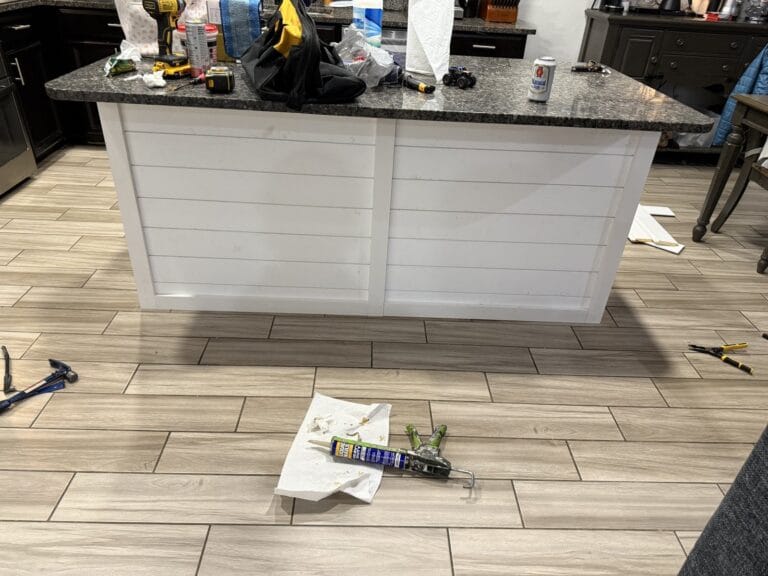
Can You Add Shiplap to a Kitchen Island? 7 Checks First
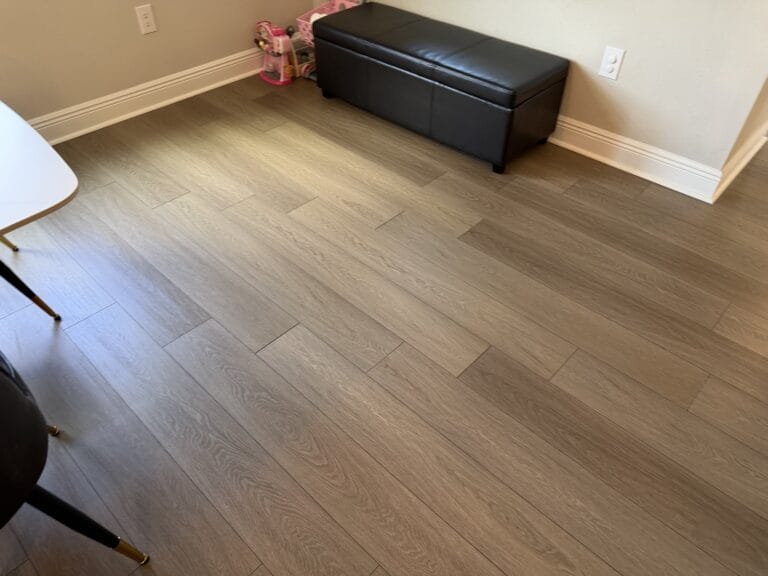
Can One Damaged LVP Plank Be Repaired or Replaced?

Home Assistant vs. Alexa vs. Google Home for Parrish Homes

Need Help With Your Parrish Move-In List?
If this project is outside your comfort zone, Richter's Reliable Services is here to help.
Discuss Your Move-In List