
Smart Home & Technology Services in Parrish, FL
Practical planning, setup, and troubleshooting for home networks, supported camera systems, automation, and media—built around how your household actually uses technology.
The short answer: Richter’s Reliable Services helps Parrish homeowners improve unreliable Wi-Fi, plan maintainable camera systems, configure Home Assistant and voice ecosystems, and finish TV or media projects without turning the home into a collection of disconnected apps.
Modern homes depend on the network for work, streaming, cameras, appliances, and everyday communication. A router hidden in a structured-wiring cabinet may not cover a larger Florida home well, and adding another extender is not always the right answer. We start with the problem you can see—dead zones, buffering, unreliable devices, confusing controls, or a new-home technology list—then work backward to a practical design.
Smart-Home and Networking Work We Handle
Professional Wi-Fi & Networking
From a troublesome dead zone to a managed network supporting cameras, smart-home equipment, streaming, and whole-home audio, we design and troubleshoot networks around the property rather than simply adding another extender.
- TP-Link Omada gateways, switches, and access points
- Router and access-point placement
- Existing wired-backhaul configuration and network organization
- Guest and smart-device network planning
Sonos & Whole-Home Audio
Multi-room music, existing speaker integration, Sonos Amp and Amp Multi systems, outdoor audio, equipment-rack upgrades, and troubleshooting for homes and businesses.
- Multi-zone Sonos Amp and Amp Multi systems
- Existing architectural and in-ceiling speaker integration
- Outdoor audio for lanais, pools, and patios
- Equipment-rack audio and network consolidation
Supported Camera Systems
Installation and configuration of supported Wi-Fi, battery, solar and plug-in cameras; supported PoE cameras require network cabling already installed at the camera location. Richter’s Reliable Services is a eufy partner and also works with other supported camera platforms.
- Supported eufy/Reolink and other camera systems; PoE installation using existing cabling
- HomeBase, NVR, camera-hub, recording, app, notification and remote-view setup
- Placement planning around entrances and property activity
- Privacy-conscious account and access configuration
Home Assistant & Automation
Maintainable automations that solve a real household need instead of adding complexity for its own sake.
- Home Assistant planning and supported integrations
- Lighting, sensor, climate, and notification workflows
- Alexa or Google Home voice-control integration
- Dashboard, account, and recovery planning
TV & Media Setup
Clean, understandable entertainment setups with the devices configured to work together.
- TV mounting and media-device setup
- Streaming, soundbar, and source configuration
- Cable-management planning
- Remote and app simplification where supported
Permanent Outdoor Lighting
Supported app-controlled roofline systems planned around equipment compatibility, existing power, Wi-Fi, mounting surfaces, and safe access.
- Govee, Eufy, and compatibility-reviewed systems
- Suitable customer-provided kits considered by exact model
- App connection, scenes, schedules, and homeowner walkthrough
- Permanent app-controlled outdoor lighting
- All-inclusive Halloween and Christmas lighting
A Practical Process, Not a One-Size-Fits-All Package
1. Define the Problem
We identify the rooms, devices, or routines that are failing and discuss what a successful result should look like.
2. Inspect What Exists
We review the internet handoff, available wiring, equipment locations, supported devices, and account access before recommending replacements.
3. Plan the Smallest Useful Change
The recommendation may be a placement correction, configuration cleanup, wired access point, new controller, or phased upgrade—not automatically an entirely new system.
4. Configure and Explain
We document key information, test normal use, and explain what the homeowner needs to know for future updates and troubleshooting.
Planning Technology for Parrish Homes
Parrish includes compact homes, larger new-construction floor plans, block construction, structured-wiring panels, outdoor living areas, and households with many connected devices. Those differences matter. The best access-point or camera location is determined by the building, existing cabling, interference, power, viewing angle, and the equipment already in place—not by a generic square-footage promise.
For move-ins, it is often more efficient to address the network first and then add cameras, televisions, locks, sensors, and automations. A dependable network gives those later systems a stronger foundation. Existing equipment can often remain when it is compatible and still fits the goal; the objective is a system you can understand and maintain, not replacing hardware simply because something newer exists.
Clear Project Boundaries
- Internet speed and uptime still depend on the internet provider, service plan, and upstream conditions.
- Wireless coverage cannot be guaranteed from square footage alone; construction materials and interference affect every home differently.
- Camera systems reduce blind spots but do not guarantee prevention, detection, or a specific security outcome.
- Home Assistant and third-party integrations can change after vendor, firmware, cloud, or platform updates and may require future maintenance.
- New line-voltage circuits, outlets, panel work, hardwired camera power and other licensed electrical work must be handled separately by an appropriately licensed electrical contractor.
- New Ethernet/PoE low-voltage cable runs are not part of the advertised camera-installation scope. Existing cable connection or termination is subject to current permitted scope; regulated alarm-system installation or monitoring is not offered here. Projects involving new concealed low-voltage cabling are evaluated individually based on project scope, access, and applicable requirements.
- Final scope depends on equipment compatibility, safe access, mounting surface, available wiring, and an on-site review.
Common Questions
Do I need faster internet or better Wi-Fi?
They are different problems. The internet plan affects the connection entering the home; Wi-Fi design affects how well that connection reaches devices inside it. Testing both helps avoid paying for speed that a poor layout cannot deliver.
Is PoE better than Wi-Fi for cameras?
PoE can be a dependable option when the required network cable is already properly installed at the camera location. RRS can mount and configure supported cameras using that existing cabling; new Ethernet/PoE cable runs are outside this camera-installation scope. Wi-Fi, battery or solar cameras can suit other locations. The right choice depends on existing wiring, network coverage, power and recording preferences.
Does Home Assistant replace Alexa or Google Home?
Not necessarily. Home Assistant can coordinate automations and local integrations while Alexa or Google Home remains the familiar voice interface. The right design depends on maintenance tolerance and device compatibility.
Can you work with equipment I already own?
Often, yes. We first identify model compatibility, account access, condition, and whether the existing equipment supports the result you want.
Smart Home & Networking Guides
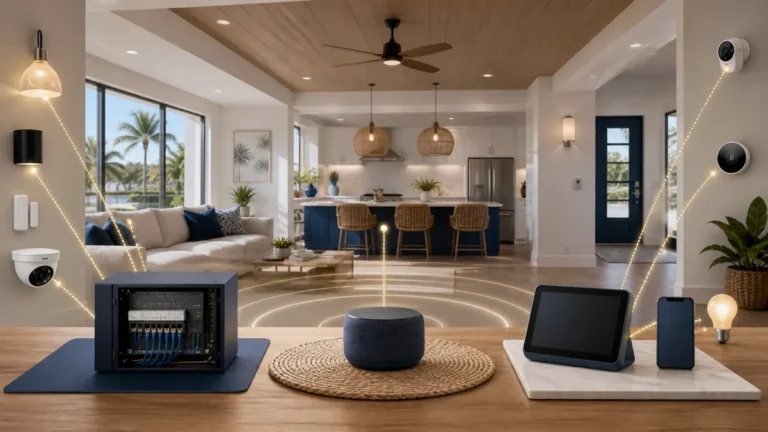
Home Assistant vs. Alexa vs. Google Home for Parrish Homes
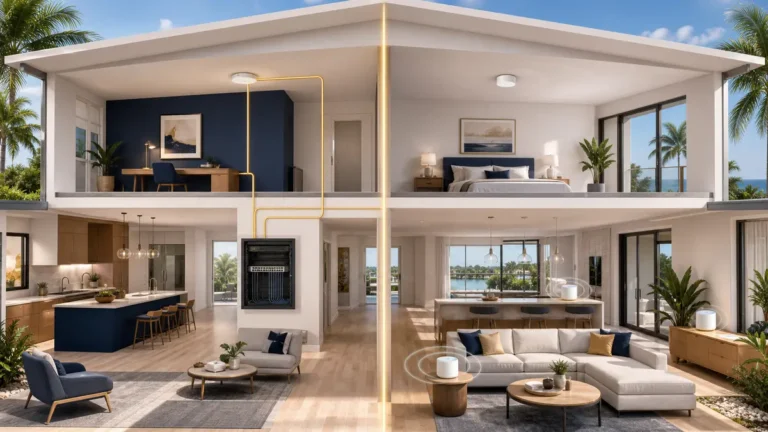
TP-Link Omada vs. Consumer Mesh Wi-Fi for Parrish Homes
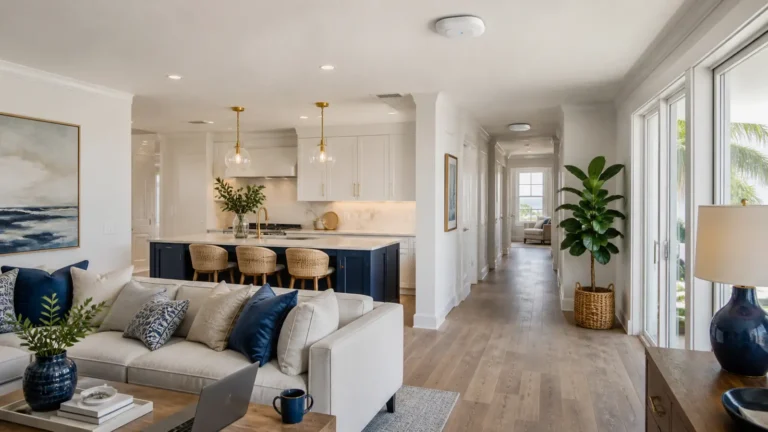
Why Parrish Homes Develop Wi-Fi Dead Zones
Need Help With Wi-Fi, Cameras, Automation, or Connected Lighting?
Tell us what is not working, what equipment you already have, and what you want the system to do. Photos of the equipment, wiring panel, or proposed outdoor-lighting roofline are helpful when available.